01What Plexi Computer Is and How It Works
Plexi Computer is a product from Perplexity that uses 19 different AI models at the same time to complete one task for you. Instead of using a single AI like ChatGPT or Claude to help you, this tool gives your job to multiple AIs that work together like a team. You give it one job, and it runs for hours, days, or even months without you doing anything.
The tool assigns each part of your task to the AI that is best at that specific thing. For example, Claude acts as the main thinking engine, Google Gemini handles deep research, NanoBanana creates images, Veo 3.1 makes video, Grok does quick searches, and ChatGPT handles long documents. This is like having an entire team of AI workers instead of just one.
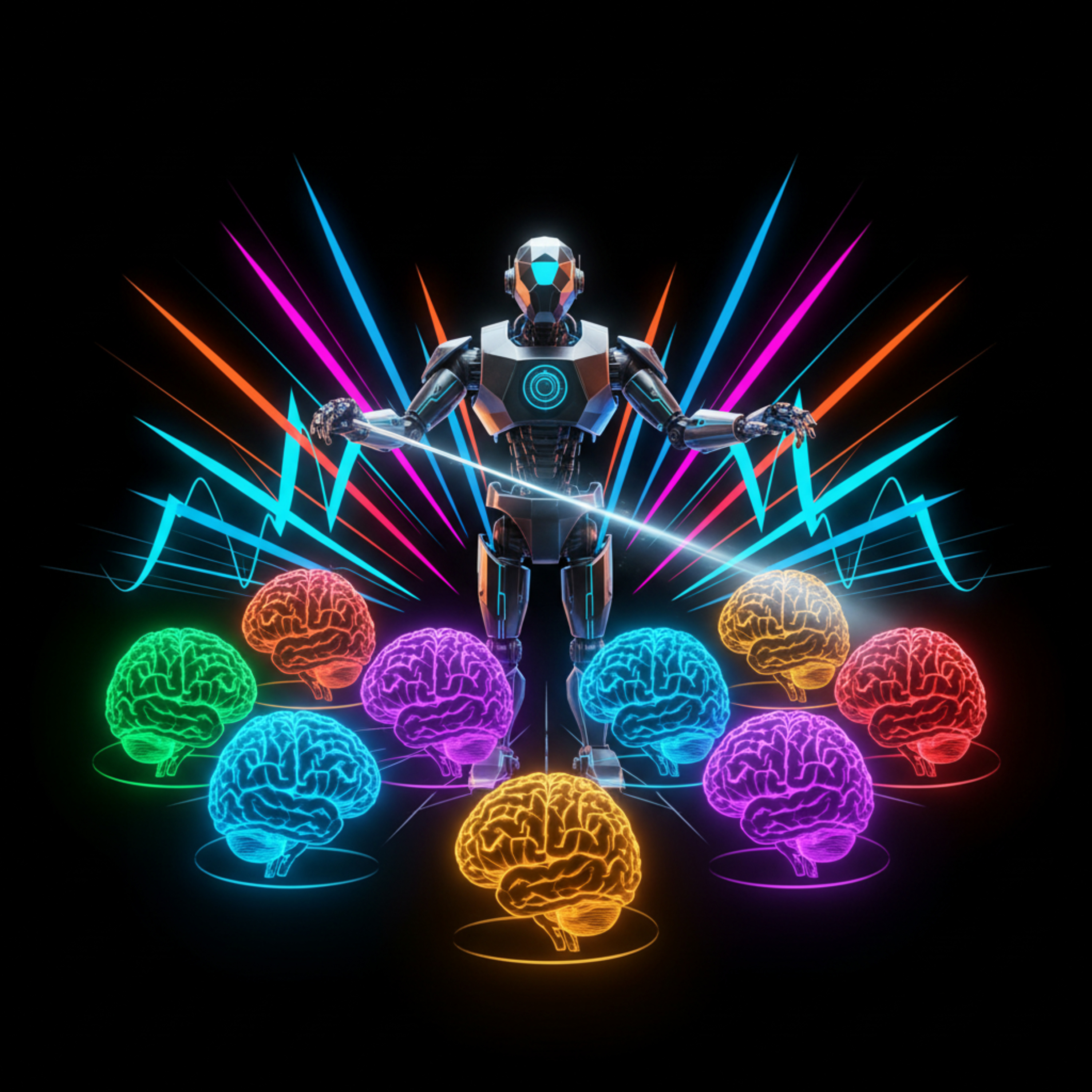
The CEO of Perplexity, Aravind Srinivas, compared it to an orchestra. He said musicians play their instruments, but Plexi Computer plays the orchestra. It conducts 19 different AI models, and you just tell it what song to play.
02Main Features of Plexi Computer
- Uses 19 different AI models at the same time for one task, including Claude, Gemini, NanoBanana, Veo 3.1, Grok, and ChatGPT.
- You give it one job, and it works by itself without you needing to do anything else.
- It can run for hours, days, or even months without stopping.
- It costs $200 per month for the highest tier.
- It routes each part of your task to the AI that is best at that specific job.
- It can handle jobs like researching competitors and building a website, or managing a full marketing campaign.
The tool is designed to replace the need for multiple separate AI subscriptions. Instead of switching between tools, you tell Plexi Computer what you need, and it figures out which AI to use for each step.
Perplexity itself already grew its users by 3.7x in 2025 and its revenue by 4.7x. Plexi Computer is their attempt to become something much bigger than a search engine.
03How to Set Up and Get Started with Plexi Computer
- Go to the Perplexity website and sign up for an account if you do not already have one.
- Choose the highest tier plan that costs $200 per month to access the full Plexi Computer feature.
- Once subscribed, open the Plexi Computer interface from your dashboard.
- Describe the job you want done in plain English. For example: "Research my three biggest competitors and build me a website with the findings."
- Press start or submit to let Plexi Computer begin working. It will run automatically.
- Wait for the tool to finish. It may take hours or days depending on the complexity of your job.
- Review the results. The tool provides outputs from the different AI models it used.
You do not need to install any software or manage the individual AI models yourself. The tool handles everything behind the scenes.
If you need to give it a new job, just start a new task with a new description. The tool can handle multiple jobs at the same time if you want.
04How to Use Plexi Computer for Real Tasks
In the episode, Julian explained how Plexi Computer works through examples. You start by giving it a single job, like managing a full marketing campaign for a product launch. The tool then decides which of the 19 AI models to use for each part of that job.
For instance, if you say "Research my three biggest competitors and build me a website with the findings," Plexi Computer uses Claude as the main thinking engine to plan the research. Then it uses Gemini for deep research to find information about the competitors. After that, it uses NanoBanana to create images for the website.
Finally, it uses Veo 3.1 for any video elements and ChatGPT for structuring the long document.
The tool works by itself without you needing to check in on it. It runs until the job is complete. You can give it tasks like competitor research, marketing campaigns, or any big project that would normally require a team of people or multiple different AI tools.
This approach is different from using one AI for everything. Plexi Computer selects the best tool for each step, which can lead to better results for complex tasks.
05Results, Tests, and Comparisons from the Episode
In the episode, Julian shared that Perplexity grew its users by 3.7x in 2025 and revenue by 4.7x. This shows the company is already growing fast before Plexi Computer launched.
The key result shown is that Plexi Computer uses 19 AI models simultaneously. This is more than any single AI tool on the market. The idea is that using multiple models together gives better results than using just one.
No direct benchmark tests or side-by-side comparisons were shown in the episode. The main comparison is between using one AI for everything versus using Plexi Computer's approach of coordinating many AIs. The CEO quoted Steve Jobs to explain that the conductor of the orchestra is more important than the individual instruments.
The biggest risk mentioned is that Perplexity does not own any of the 19 models. If Anthropic raises prices, Plexi Computer gets more expensive. If Google limits access to Gemini, the tool could break.
This is a real limit that users should know before relying on it.
06Tips, Limits, and Mistakes to Avoid with Plexi Computer
One key tip from the episode is to understand that Perplexity does not own any of the 19 AI models it uses. Every model belongs to a company that either competes with Perplexity or is building its own version of the same thing. If those companies raise prices, Plexi Computer gets more expensive to run.
If they limit access, the tool may not work.
Another limit is that the tool is still early. It requires the $200 per month highest tier plan, which is expensive for many users. The long wait times for jobs to complete (hours or days) may not suit people who need quick answers.
A common mistake to avoid is expecting Plexi Computer to work like a single AI chat. It is not designed for quick questions. It is designed for big tasks that take time.
If you need a fast answer, use a regular Perplexity search instead.
Also, be careful about trusting the output completely. Since it uses 19 different models, errors from one model could affect the final result. Always review the work before using it in important settings.
07Who Plexi Computer Is For and Why It Matters
Plexi Computer is for people who need to run complex, multi-step projects that would normally require a team of people or multiple AI tools. Business owners who want to research competitors and build a website can use it. Marketing managers who want to manage a full campaign without hiring extra staff can use it.
It matters because it shows a shift in how AI works. Instead of one AI doing everything, the future is systems that coordinate many AIs. The CEO of Perplexity compared it to an orchestra conductor.
The company that builds the best orchestration layer may win even if they do not own the instruments.
This is important for anyone who uses AI in their work. The era of using one AI for everything is ending. The era of AI systems that route your tasks to the best tool for each job is just beginning.
Plexi Computer is one of the first products to show this approach in action.
Even with the risks of not owning the models, the vision is real and big. If you want to stay ahead of how AI is changing work, this is a tool worth watching.
08What the OpenClaude Story Reveals About AI's Future
The OpenClaude story is important to understand alongside Plexi Computer because it shows the same trend from a different angle. A retired Austrian software developer named Peter Steinberger built a personal AI agent called ClaudeBot in one afternoon. It ran on his own computer, not in the cloud, and could book flights, clear his inbox, and control his smart home.
He put it on GitHub, and it became the fastest growing open source project in GitHub history with 241,000 stars. Both Meta and OpenAI made offers. Peter chose OpenAI because they agreed to keep the code open source and free for everyone.
The same pattern appears here: the future is not more apps. It is agents that coordinate other agents. Peter believes 80% of current apps will disappear because one agent that knows you can handle everything through a text message.
This matches what Plexi Computer is doing with its 19 models.
Both tools point to a future where you do not need separate weather apps, flight booking apps, or reminder apps. One system handles it all. That is the direction AI is heading.
09Practical Steps You Can Take Right Now
- If you are a business owner or manager, test Plexi Computer with a simple task first. Give it a job like researching one competitor to see how it works.
- Set a budget for the $200 per month plan and track the time it saves you. Compare it to the cost of hiring a human assistant or using multiple separate AI tools.
- If you work in tech, follow the OpenClaude community on GitHub. Over 241,000 developers are already building on it. The patterns coming from that community will shape future software.
- For anyone creating content or reports, try giving Plexi Computer a research task. Let it compile findings from multiple AI models and see if the result is better than what you get from a single AI.
- Keep an eye on Perplexity's updates. Since they do not own the models, the tool could change or break as other companies change their pricing or access rules.
The key is to engage with these tools now. Understand what they can and cannot do. Find where your own judgment, creativity, and relationships are still irreplaceable.
The tools are not going away, and the pace is speeding up.