watch the video
play the audio
Antigravity 2.0 FREE Update: Sub-Agents, Scheduling, JSON Hooks, Voice + CLI (5 New Superpowers)
Antigravity 2.0 received a massive free update adding five time-saving features that make its AI coding agent more powerful: sub-agents for parallel work, background task management, scheduled tasks, JSON hooks to run custom scripts during agent loops, and voice input. The script compares the old slow, manual workflow (one job at a time, no scheduling, no custom scripts, lots of typing) with the new CLI-driven approach that can run multiple jobs at once, keep long tasks running in the background, automate daily workflows like publishing blog posts, and keep everything organized in a workspace and mission control dashboard. It demonstrates creating five SEO blog posts in parallel via sub-agents and emphasizes starting with just one feature to avoid overwhelm, addressing concerns about tokens and technical difficulty, then promotes an agent operating system setup with coaching, community, and templates.
00:00 Massive Free Update
00:33 Meet The Five Features
01:08 Old Pain Points
01:28 Subagents Demo
03:08 Gravity 5 Framework
03:50 Multiply With Subagents
04:11 Background Task Management
04:32 Scheduling And Hooks
05:14 Voice Control
05:23 Old Way Vs New Way
06:47 Objections And Tips
07:37 Agent OS Offer
08:40 Final Thanks
Antigravity 2.0 received a massive free update adding five time-saving features that make its AI coding agent more powerful: sub-agents for parallel work, background task management, scheduled tasks, JSON hooks to run custom scripts during agent loops, and voice input. The script compares the old slow, manual workflow (one job at a time, no scheduling, no custom scripts, lots of typing) with the new CLI-driven approach that can run multiple jobs at once, keep long tasks running in the background, automate daily workflows like publishing blog posts, and keep everything organized in a workspace and mission control dashboard. It demonstrates creating five SEO blog posts in parallel via sub-agents and emphasizes starting with just one feature to avoid overwhelm, addressing concerns about tokens and technical difficulty, then promotes an agent operating system setup with coaching, community, and templates.
00:00 Massive Free Update
00:33 Meet The Five Features
01:08 Old Pain Points
01:28 Subagents Demo
03:08 Gravity 5 Framework
03:50 Multiply With Subagents
04:11 Background Task Management
04:32 Scheduling And Hooks
05:14 Voice Control
05:23 Old Way Vs New Way
06:47 Objections And Tips
07:37 Agent OS Offer
08:40 Final Thanks
Full transcript
AntiGravity 2.0 just got a massive free update and your agent just got a whole lot more powerful because five new features just dropped and each one saves you time in a completely different way. Imagine waking up every morning and your AI agent already finished the work, blog posts written, research done, tasks completed all whilst you were sleeping. That's exactly what AntiGravity 2.0 now lets you do. A huge free update just dropped and it adds five new superpowers to your AI agent.
So stay with me to the end because there's one setup move that ties all these five features together and once you see it you'll never go back to the old way. Let's get into it. So there's five new features inside AntiGravity 2.0 which is sub-agents, task management, schedule tasks, JSON hooks and voice. I'm going to cover all of them and show you exactly how it works.
So this is AntiGravity 2.0 that they've just released and this makes you as the commander of AntiGravity coding agent way more powerful. So what are the five new features? Number one, sub-agents to split big jobs into small ones, background tasks that run whilst you keep working, schedule tasks that fire on their own, JSON hooks for your own shell scripts and voice so you can talk to your AI agent right now. Plus there's a CLI you can plug straight into whatever mission control dashboard you're using.
Now before this, if you've ever used AntiGravity, it was slow, right? I mean like if I try and open up AntiGravity app now, you can see that it just takes ages to load right here, right? And before this I was doing like one job at a time, I had to sit there and watch it finish, I could run things, I couldn't run things on a timer, I couldn't create my own scripts, I had to type everything, single thing, right? Now what we can do is we can use AntiGravity CLI 2.0 and run like five jobs at once with a sub-agent.
Let me show you an example. So this is AntiGravity over here and we've built this using the AntiGravity CLI. So if we go inside here and say, okay, create five sub-agents, each building a different SEO blog post, targeting a different keyword about open core automation, right? I can plug that in and then AntiGravity here can start using the sub-agent update.
So the cool thing about this is like long tasks run in the background, I keep working on whatever I'm doing and also what we can also do inside AntiGravity is we can set up a schedule. So we could say for example, okay, at 6 a.m. every day, post a new blog. We can also set up agent loops with the new script update and we can talk to it directly, right?
So you can see the voice input over here. And so I've shown you proof this works. Over the next 10 minutes, I'm going to walk you through all new features in plain English. Then I'm going to show you how the CLI actually plugs into a mission control dashboard so you can have everything living in one place.
But if you're watching this, just commit to at least trying one of these five new features because the moment you make this transition, the way you use AI completely changes. And you can see for example, that the AI agents working in the background. So if we go to AntiGravity, it's still thinking, but if we go to our workspace and we see what we've created over here, you can see that it's just been updated right now. And the blog posts are being created right here, right?
So AntiGravity is creating all these blog posts in the background using the sub-agents. We've already got 1, 2, 3, 4, 5 different blog posts created with images beautifully formatted into this blog using the sub-agent CLI method, right? Really powerful stuff. And so what I want to do today is talk you through the Gravity, the Goldie Gravity 5.
This is a framework that just gives you five different frameworks that you can use to improve your AntiGravity agent, right? And this is really what turns AntiGravity 2.0 from like a fast IDE or a fast coding agent to a system that runs your day for you. And I would just pick one to start, and then you can add the rest as you grow. And by the way, you can see the task is now completed as I was explaining all this to you.
And you can see how it's created five different sub-agents to create those articles. And then it actually created everything right here, right? Pretty amazing stuff. Bear in mind, like everyone can access AntiGravity and it's free to begin with.
And then I think they have certain limits in place depending on how much you use it. So let's talk about the first part of the Goldie Gravity framework, which is multiply, right? So sub-agents can do parallel work. So you can spawn small sub-agents on the fly.
Each one takes a piece of the job. You stop waiting on one big task and you get many small ones at once. As an example of that, we just created five different blog posts at once using five different sub-agents inside AntiGravity. Next up, task management, background task management, right?
So as I was talking to you, the workspace was getting updated and I can just go off and do something else because long tasks are moved to the back, right? So the main agent stays free for new tasks, right? Which means that you stop staring at a loading bar. We can have multiple different versions of the CLI loaded and then create multiple tasks at the same time.
Now, additionally, what we can also do is we can schedule tasks. So I can say, for example, inside AntiGravity, create a new blog post for me every single day to update my open core blog. Let's try that out. Now, what you can also do whilst we're waiting for that to complete is we can set up JSON hooks, right?
So if you give it a JSON file, it runs a script at the right point in the agent's loop. You stop being limited to what your agent can do alone. Let me explain that in a bit better detail and also in a simplified way. So what this means essentially is like when AntiGravity is running, you can run custom scripts at specific points during the implementation.
You know, and this could be, for example, like a custom rule. It could be, for example, a way of like running linters, which are just like comments on the code, even events, right? And so you can build that in too. And then what we also have over here is we have the voice option, right?
So if we press this button, we can speak to our AI agent and we stop typing every single command. So let's talk about the old way versus the new way. This is the same agent, same goal, but two different ways of working. So the old way is slow, one job at a time, one task and the next and the next.
You sit and watch it finish. The screen feels slow. No way to run things on a timer or a schedule. No way to run your own scripts.
You type every command every time and outputs land in the folder. You never actually check, right? Which means that even if you're using AntiGravity, it's slow, it's manual, it's hard to scale, it's easy to lose your work. With the new version, we can spawn five sub-agents and get five tasks done in parallel, just like you've seen over here.
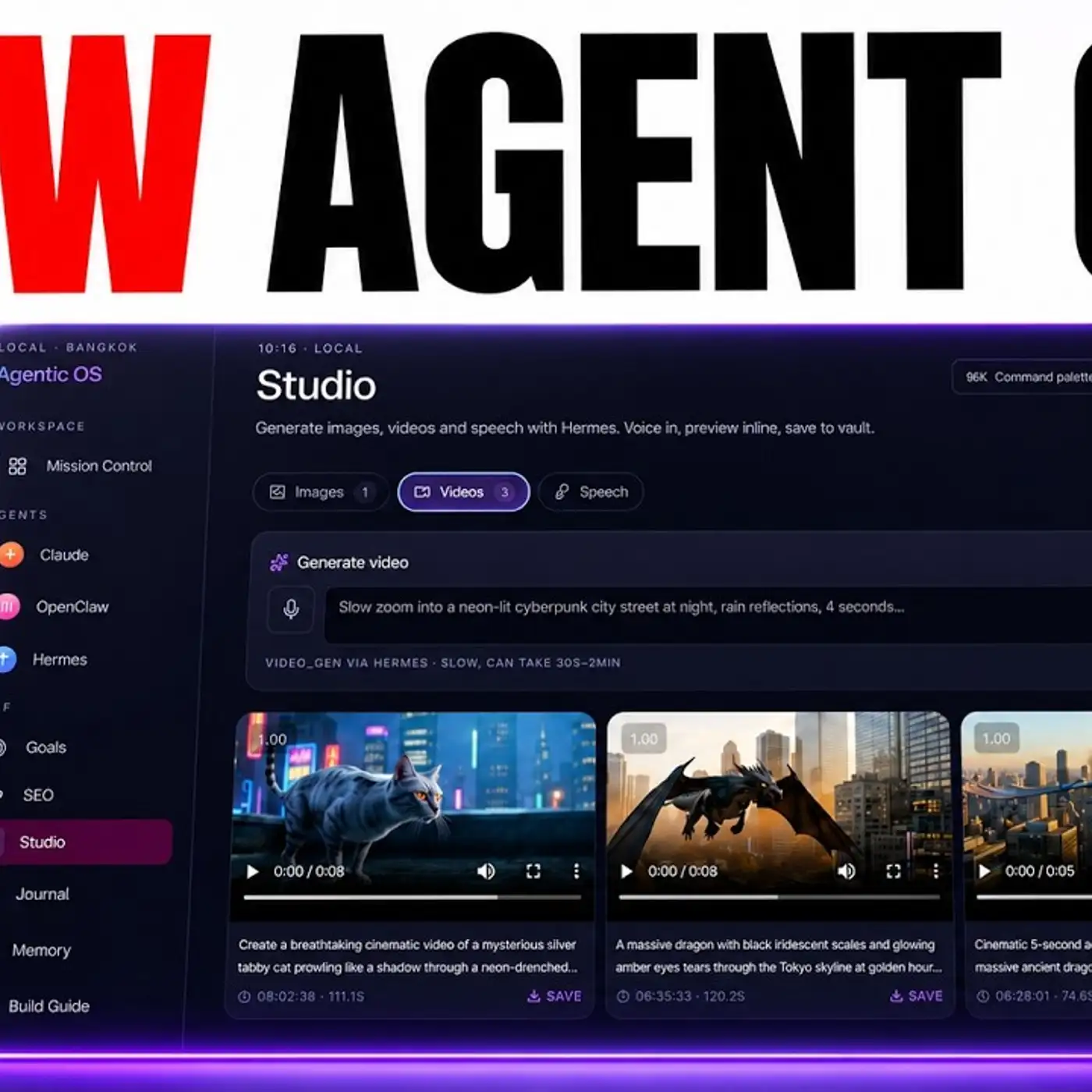
Long jobs run in the background, like for example, this one. You can schedule a task and it runs every day on its own using the schedule system. You can talk to it and the voice handles the rest. And also if you've built it into an agent operating system, which you can, with the new CLI setup, then you've got all of your files in one place you can come back to, right?
So for example, for the OpenCloud blog, we've got that inside our workspace. If we create another tool, for example, like this one, we can come back to it, use it, even preview it. And if you want to open it up in a new tab, super easy, right? And so you don't have to look through all your folders and files.
You don't lose stuff. Everything's organized. It's way easier to manage, right? I think for all of this, honestly, the most useful part is a schedule because it's kind of like OpenCloud in that way.
But then also the fact that you can have sub-agents and additionally that you get the CLI so you can customize the actual way that you use it, the dashboard and the mission controller you actually use it with. And of course, speaking to it with your voice instead of typing, going to save a lot of time too. Now, some people are going to say, well, you know, I don't really use antigravity that much or I don't want to learn five new things. You don't have to learn them all at once.
I would just pick one thing. Don't overwhelm yourself. You can always add the next one next week, right? But a lot of people say, well, the sub-agents will use up a lot of tokens.
Antigravity sub-agents are designed to run efficiently so you can give it smaller jobs, focused tasks, fast finished, and also the total token usage can be less than one big sequential job because the sub-agents don't carry the whole context, right? Enough people say, well, this is too technical to do, but actually, you know, I've seen so many people inside the AI Profitable Community get awesome results like you can see that I know the people with no experience with AI can get amazing results as you can see. So if they can do it, you can do it. If I can do it, you can do it, right?
You just have to get started with this stuff. And the earlier you try it, the more skills you build up and the easier it becomes over time. So thanks so much for watching. If you want to get the full agent operating system with antigravity built in as a CLI, the five features of the engine, the CLI as a bridge, an agent operating system is the way that you can turn all of this into a system.
And inside the AI Profitable Bottom, you get the full setup, the install, weekly coaching calls and the community already running this stuff every single day. Plus we do daily updates for it. So you get the full agent operating system installed with antigravity plugged in. You get sub-agent templates.
You can actually create scheduled tasks. You get the workspace inside antigravity and also we've plugged in all our other main AI agents like you can see to make it way more powerful. Link in the comments description or go to the AIprofitablebottom.com to get access. You can post questions inside the community and I often answer them with video tutorials plus a step-by-step breakdown.
Inside the classroom, you get access to all my new and best training. So you get new daily updates and all my best stuff inside here. You can jump on weekly coaching calls. We have four per week.
So you can share your screen, meet cool people, ask questions about your setup. Inside the map, you can meet people in your local area who are also using AI automations and agents just like you. Plus you can connect with me personally too. Thanks for watching.
See you on the next one. Cheers.
More episodes