watch the video
play the audio
Hermes Agent + Obsidian: Auto-Synced Memory, Skills, Profiles & Business Automation
The video explains how to use Hermes Agent to automate work by giving it real memory and connecting it to an Obsidian “second brain” so conversations auto-sync into notes and responses become personalized. It shows how to sync Hermes to a local Obsidian folder (or link via MCP on a VPS), and discusses managing models, skills, plugins, and tools—recommending model changes via terminal while managing skills inside an agent OS/mission control to keep visible conversation history. The script also covers when to use multiple agents versus focusing on Claude and Hermes, how to create multiple Hermes profiles with separate settings and memories, and how to integrate Hermes into a business dashboard to run scheduled follow-ups and workflows. It ends by directing viewers to the AI Profit Boardroom community and trainings.
00:00 Hermes Agent Overview
00:29 Obsidian Second Brain Sync
02:20 Models Skills and Tools Setup
03:50 Multiple Profiles and Agents
06:24 Integrate Hermes Into Dashboards
08:34 Workflow Automation Examples
09:26 Add Memory Files in Obsidian
10:36 Community Trainings and Wrap Up
The video explains how to use Hermes Agent to automate work by giving it real memory and connecting it to an Obsidian “second brain” so conversations auto-sync into notes and responses become personalized. It shows how to sync Hermes to a local Obsidian folder (or link via MCP on a VPS), and discusses managing models, skills, plugins, and tools—recommending model changes via terminal while managing skills inside an agent OS/mission control to keep visible conversation history. The script also covers when to use multiple agents versus focusing on Claude and Hermes, how to create multiple Hermes profiles with separate settings and memories, and how to integrate Hermes into a business dashboard to run scheduled follow-ups and workflows. It ends by directing viewers to the AI Profit Boardroom community and trainings.
00:00 Hermes Agent Overview
00:29 Obsidian Second Brain Sync
02:20 Models Skills and Tools Setup
03:50 Multiple Profiles and Agents
06:24 Integrate Hermes Into Dashboards
08:34 Workflow Automation Examples
09:26 Add Memory Files in Obsidian
10:36 Community Trainings and Wrap Up
Full transcript
Hermes agent. Today I want to show you how to build and automate anything with Hermes. Your agent is about to know everything about you, your business, your clients, your goals, all of it automatically. I'm also going to show you how to give Hermes agent a real memory, how to manage all your skills and your tools in the easiest way possible.
I'll show you how to connect Hermes to your entire business dashboard. So it's doing work for you 24-7. And I've got one thing to show you later in this video that makes all of this 10 times more powerful and almost nobody is setting up. Stick with me to the end.
Let's get into it. One of the first questions we got was about Obsidian and Hermes agent. Now, if you're not familiar with Obsidian and what it is, let me show you an example. Basically Obsidian is like a second brain for all your notes about you and who you are.
And then you can plug those into your AI agents. So for example, like Hermes or Claude or OpenClaude, et cetera, can take this whole web of notes and then use it to actually come up with relevant suggestions, right? And the cool thing about this is everything changes once you've set up because your agents now understand everything about you, your clients, your business, your goals, et cetera, right? And so Scott was asking, you know, I've connected Claude to Obsidian.
Can I connect Hermes as well? And is that of any benefit? Well, number one, you can connect Hermes to Obsidian, right? So for example, we've got Hermes right here and every time we have a conversation with it, it's actually going to put those notes inside our Obsidian second brain.
Why is that useful? It's because every time we use Hermes, we don't have to manually update our notes. It's going to auto sync. And then number two, when Hermes is giving you answers to your questions or it pulls out personalized responses.
So number one, can you do it? Yes. How would you do it? Well, what you do is you just go into Hermes and you say, please sync to my local Obsidian folder and make sure you have Obsidian set up locally for you.
When you do this, it's going to take about a couple of minutes for Hermes to look locally. If you're running on VPS, you can actually get into the Hermes, so not link directly, but either way you can sync them very quickly. And then the cool thing about this is once it's set up, every single suggestion you get is basically personalize you and who you are and what you do and everything else, right? And so that's the way that would look.
So number one, can you connect them? Yes. How do you connect them? You just ask them to.
And is it of any benefit? Yes. Because you get much more personalized responses. Another question that we got from Michael here was about Hermes in AgentOS, right?
And basically Michael was asking, I'm still learning Hermes and the best way to use it. If I want to do things like, for example, change the model, add skills, plugins, tools, et cetera. Can you do that from inside the mission control or is that terminal only? So they prefer to change the model itself just inside the terminal because it's literally like, you know, you go into your terminal like so, and then you just run Hermes model, right?
And the good thing about that is you run through like the official setup from Hermes. So it's going to be wired in directly, which is great. Now, when it actually comes to like skills, for example, or for example, app like plugins as well, I would do those all inside the actual agent operating system simply because when you're speaking to Hermes agent, the same way that you would teach your skills inside the terminal, inside the chat of the terminal, you can do it inside here, but it's going to be like easier to see everything that you've done. Right.
And what I mean by that, for example, is like, if you go into a new tab inside terminal here and we run Hermes like so, the biggest issue is that when you're running Hermes inside here, you can't see your conversation history. So how do you manage your skills? How do you see how you set up your skills and how do you see what you did previously? You can't, right?
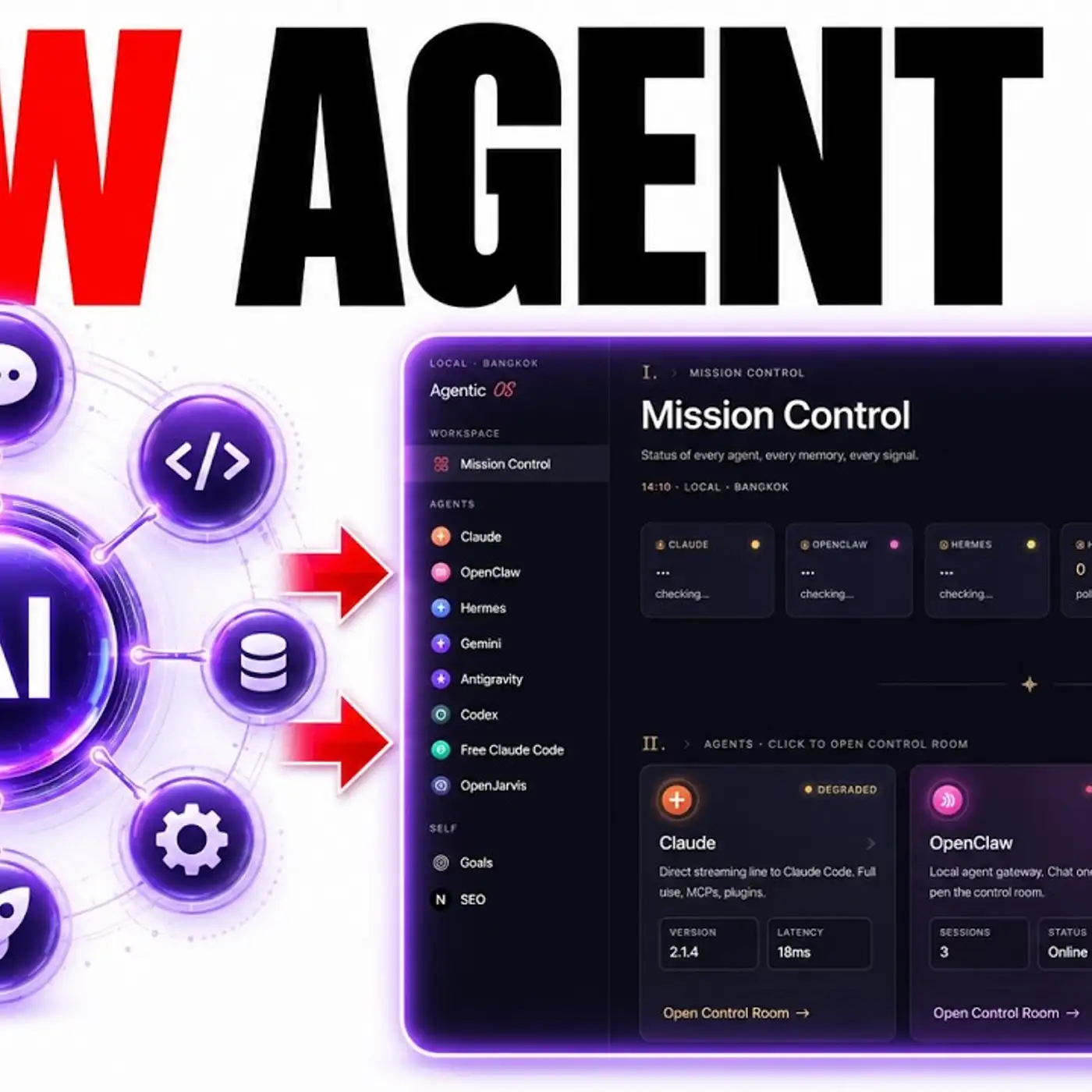
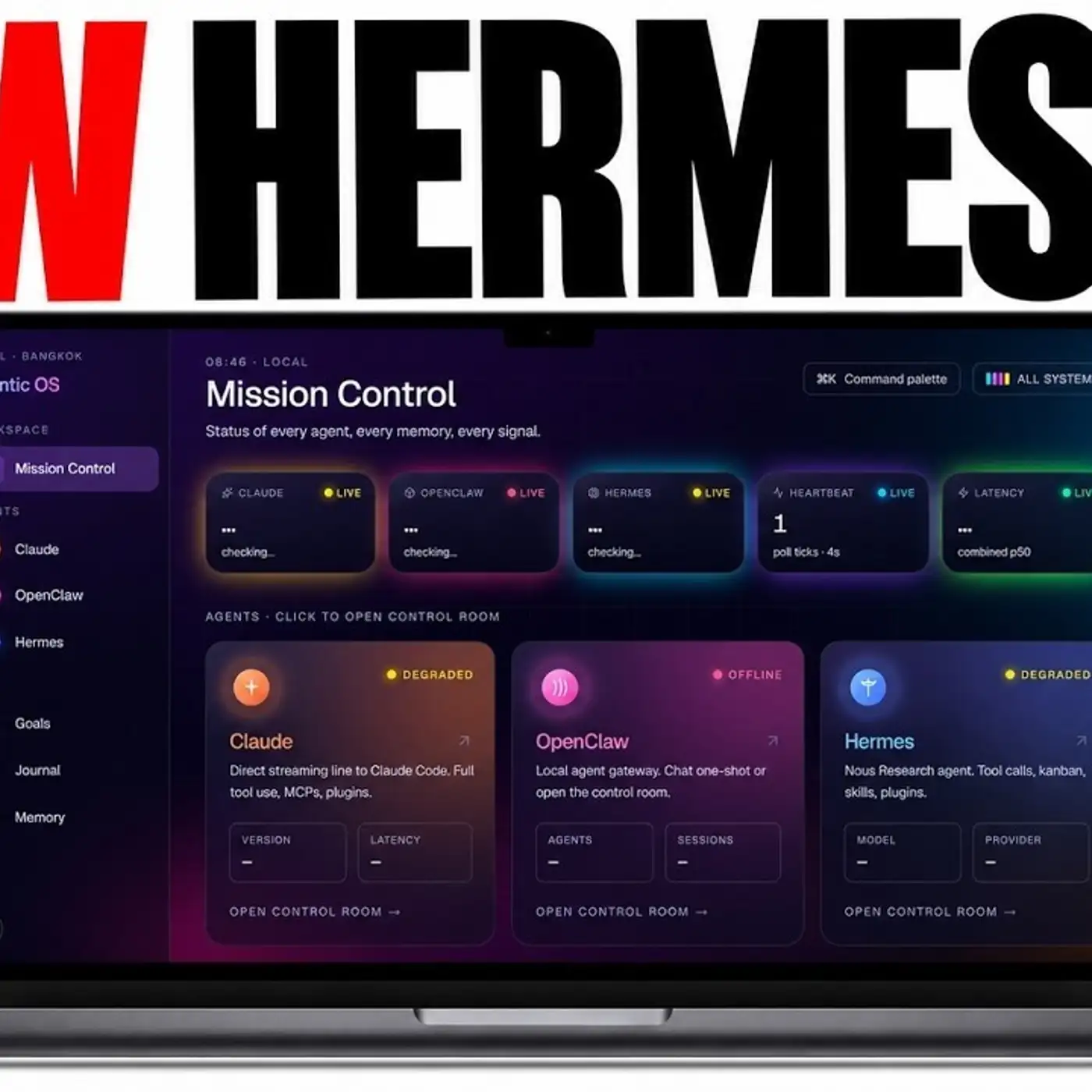
Whereas for example, if you go inside here, you can see all of your previous conversation history, which means that if you installed skills, but you can't remember what skills you've installed or how you set them up or which like MCP, for example, you set up as well, you can see the full history inside the chat and that makes everything easier. It's a great question, Michael. Now another question we got from Scott was basically about agent operating systems and for example, how to set up agents and which ones do we have, right? So you can see all these agents that I have set up like Claude, OpenClaude, Hermes, Gemini, Antigravity, Codex, Frequent Code.
Do I use all of these agents today? No. Right. I actually think that 90% of the work that I do is just with two of these agents, which is Claude and Hermes.
And those are the two that I focus on simply because everything is smoother when you learn how to use one or two agents. And then number two, some of these agents are not that good for everything, right? So for example, if you use Antigravity, great for coding projects, not great for, for example, scheduling tasks or doing day-to-day agented tasks, right? OpenClaude, pretty cool tool, but Hermes seems to do everything that OpenClaude does better and smoother and faster.
And so why would I use OpenClaude when I can use Hermes, right? That's the way that I look at it. Now, if you want to create more Hermes agents, let's say for example, you want to have multiple different profiles of different agents. Maybe you've got like a Julian agent, Michael agent, whatever you want.
When you're running Hermes, you can have multiple agents and multiple profiles. Now what are profiles? Profiles are just like different versions of the agent with a different EMV file, which means like different APIs being used and also different sole MD, which means a different personality and then different memories, different sessions, different skills, different schedule tasks, right? The reason that you do this is if you really need a team specialist.
Now, if you are a beginner, do not do this. Not necessary at all. If you just want to experiment and learn something cool. Okay.
I understand. So from here, you would basically set this up by using this quick start. So how do you do this? So you would run Hermes profile create and then the name of whatever you want to create.
So let's say for example, you want to create a coder. You would run Hermes profile create coder, and then you can do coder setup to change the settings on that individual model. Again, maybe overcomplicating it for 90% of people. I don't recommend it, but if you want to learn how to use this, which is always useful for learning, then you can do it like so.
So for example, here if we go into terminal and we want to set up a new coding agent, we can just run this command. There we go. Pretty easy. And then we would just use the name of it and bear in mind, this is changeable for whatever profile you create.
So you could create as many of these as you want, and you could have Hermes profile create Julian Hermes profile create SEO, et cetera. And then you would run Julian setup or SEO setup, et cetera, as the way that you can run and build multiple profiles with Hermes agent. So this is a really interesting one. Steve was asking about his dashboard and basically he's built a dashboard.
We've got high level, he's got his email, he's got his calendar, he's got his project files set up and it was built with Claude code. Now, what would it look like if you added Hermes to this and how would it look? So if you wanted to get Hermes to interact with your dashboard, the way that I would recommend doing it is that you can go over to Claude where you've built your dashboard, it sounds like, and you can give it the documentation for Hermes and say, build Hermes into this dashboard so that it can interact with and understand everything else inside the dashboard. That's what we did with the agent OS system.
So how would you do that? You would literally go to the GitHub of Hermes agent, take that information, go back into Claude, plug it in like so, and just say, help me build Hermes agent into my dashboard so that it can understand and use that information. And that way it can start running. So as an example, let's say a client agrees to a project.
Well, if that client takes too long to respond, how can we send a reminder 24 hours later? So you could ask Hermes agent to analyze who signed up versus who's you've actually contacted and who's not responding. And then it can filter between who you've contacted, who's not responding, and you can set a scheduled task to check that daily and follow up with anyone who doesn't reply. And you would just go into Hermes agent and say, set up a scheduled task for this each day where you check everyone I've emailed versus everyone who's not replied and send a follow up reminder.
So that's the way that would do it. And again, you can get Claude to build it into your dashboard directly. And by the way, I'm seeing so many people build out their own operating systems and dashboards for their AI agents. If you're watching this and you're like, I need something like this, but I don't know how to set up.
Here's an example. And you can see that Andreas actually set up his agent operating system and mission control that was built with Hermes and our alpha. So there's loads of people getting results of this. There's nothing stopping you.
If you're watching this, building this yourself, just get started. That's what I did too. This was really cool too. So Brad, and this is a great example of how you can have Hermes with an agent operating system, running your workflows and automating stuff.
So for example, for me, I set up a SEO agent, a video agent, a studio agent, and you can see here that Brad actually set up a productivity app inside his agent OS as well. So if we have a look here, you can see that the productivity app is set up and basically it ranks his productivity, looks at his daily tasks, and then has a streak mode as well. So the cool thing about that is once you've set up Hermes, once you've got a mission control linked to it as well. And the reason that I recommend having a mission control is because it would be much easier to manage and visualize everything.
And it'd be customized exactly how you want. Once you've got that all set up, well the amazing thing about this is that you can customize it to all the workflows that you have, which makes everything easier. Now we've got another question from Greg here. He was asking about adding a memory file.
So let's say for example, you have a memory file, which includes the company profile, corporate makeup, current projects, information about your company and your objectives, right? If you have a great memory file like that, you want to plug that straight into Obsidian because if your Hermes agent is plugged into Obsidian, then every note it has, it becomes more powerful. It becomes more useful. It has more context and also everything that it does can be geared towards that mission and all the information you have.
So for sure, what you would do is you would go to your list of files here and you can just plug it in, click on new, give it a name, and then paste in the information into that markdown file. And that way you can easily give all the information that you have, organize it neatly. You could even create a new folder that's titled the name of your company and plug it in right there. And you can say also where it connects to, and then your AI agents will be connected to that.
And I've already talked about this, but if you want to link Obsidian directly to Hermes, you just ask it to check locally for Obsidian. Make sure you have it installed and go from there. So thanks so much for watching. If you want to get all of my trainings on Hermes agent, how to use it.
If you want to be part of the community, if you want to be able to ask questions like I've answered today and get video tutorials from me, breaking down answers to your most difficult questions, feel free to post inside the community in the AI Profitable Boardroom. Link in the comments description or go to theaiprofitableboardroom.com. We have the full agent operating system right here, along with a zip file on how to use it. You can get all of my new trainings on Hermes and Obsidian, Hermes v0.15, which is way faster and more lightweight and more powerful for using agents.
We've also got information on all my best workflows around all of this stuff. And you'll see, you can connect with people who have built other stuff like you've seen today. We've got loads of people using Hermes agent, loads of people building out mission control dashboards. It's just a great place to learn and grow together.
Plus you get weekly coaching calls where you can connect with everyone in this community, meet other people like you and share your screen and ask questions about your setup. If you have any too. Plus you can DM me and connect with me whenever you need to too. Thanks for watching.
See you on the next one. Cheers. Bye bye.
More episodes