watch the video
play the audio
Hermes Agent Skills Hub Update: Browse, Scan, Trust Tiers & One-Click Skill Installs
The script walks through Hermes Agent’s new Skills Hub update, showing how to update Hermes and then browse, search, preview, scan, and one-click install skills from multiple connected hubs (including skills.sh, ClawHub, Clawed Marketplace, and GitHub). It highlights faster search versus the old method, built-in security scanning with verdicts that can block installs, and the importance of reviewing each skill’s skill.md instructions and trust tiers (trusted, built-in, community) with color coding and feedback. The presenter warns that installing too many skills can slow the agent, increase token usage, and cause confusion, but skills can be searched and toggled off. Finally, it promotes an “agent operating system” inside the AI Profit Boardroom for managing agents, skills, memory, Kanban orchestration, and media generation, with training, resources, coaching calls, and a community.
00:00 New Skills Hub Update
00:33 Update Hermes Agent
01:20 Browse and Install Skills
01:49 Search and Safety Verdicts
02:39 Old vs New Workflow
03:01 Scan and Review Skills
03:46 Benefits and Cautions
04:40 Goldie Skill Vault Framework
05:16 Four Layers of Trust
06:34 Quick Update Reminder
06:49 Agent OS Overview
07:45 Video Skill Example
08:30 AI Profit Boardroom Offer
08:49 How to Get Access
09:23 Wrap Up
The script walks through Hermes Agent’s new Skills Hub update, showing how to update Hermes and then browse, search, preview, scan, and one-click install skills from multiple connected hubs (including skills.sh, ClawHub, Clawed Marketplace, and GitHub). It highlights faster search versus the old method, built-in security scanning with verdicts that can block installs, and the importance of reviewing each skill’s skill.md instructions and trust tiers (trusted, built-in, community) with color coding and feedback. The presenter warns that installing too many skills can slow the agent, increase token usage, and cause confusion, but skills can be searched and toggled off. Finally, it promotes an “agent operating system” inside the AI Profit Boardroom for managing agents, skills, memory, Kanban orchestration, and media generation, with training, resources, coaching calls, and a community.
00:00 New Skills Hub Update
00:33 Update Hermes Agent
01:20 Browse and Install Skills
01:49 Search and Safety Verdicts
02:39 Old vs New Workflow
03:01 Scan and Review Skills
03:46 Benefits and Cautions
04:40 Goldie Skill Vault Framework
05:16 Four Layers of Trust
06:34 Quick Update Reminder
06:49 Agent OS Overview
07:45 Video Skill Example
08:30 AI Profit Boardroom Offer
08:49 How to Get Access
09:23 Wrap Up
Full transcript
There's a brand new skills update to Hermes agent that allows you to basically search and find powerful skills that make your AI agent even better. Right. And this is for Hermes. So I'm going to show you exactly how to use it today.
It's a skills hub browser. And basically, the powerful way about this is you can see, okay, what's been used, what, how can you use stuff, how can you set it up, etc. And it's also connected to the hubs. Plus, there's a way to scan them to check if they're legit or not.
You also got multiple trust is built in and feedback as well. So it's a faster search setup as well. Now, if you haven't already, the first thing you want to do is make sure that you've updated Hermes, how would you do that? So if you go to your manage tab for Hermes agent inside the dashboard, you can actually click on the update section here.
And then you can go from there. Once you've done that, you can actually go to the manage section inside the AI agent, like for example, Hermes. And from here, you can actually search and find new skills to set up right. So how do you do that?
If you go to the skill section, like you can see, then you can select all and you can see what you've previously created and what you've built. Right. So these are all skills who have already got installed. A lot of these actually come with Hermes directly as default, then you want tool sets, right.
So for example, like we've got tool sets for browser automation, for terminal for web search, etc, which is great. And then this is the big update is that you now have this setup, right. And so what this is basically a way to use Hermes to browse and install skills in one single click. And it's connected many different hubs.
So for example, we have skills.sh, which is like skills bundles, you have core hub, which is open course core, core market, you have code marketplace. And these are all connected, like you can see right here. And also, if you ever want to update your skills, you can do it like so. So if we go inside the skill section, and we're like, okay, I want my AI agents to be able to manage my email, I can type in email here.
And from there, it's going to start searching for relevant skills that we can give to Hermes to start managing our email. So anything you want to search and find, or improve inside your Hermes agent, you can now search as a skill. And then once that's completed, you can then download those skills. So it will take a couple of minutes just to search across everything.
But this just makes it way better for using as well. The other important thing here as well, is the you can now see the verdict, right? So it actually analyzes the skill and tells you, okay, this is safe to install, which is pretty useful as well. We can also search GitHub as well, which is pretty useful too.
So you can find skills across multiple different places and then install whatever you want. So for example, and just to show you the old way versus a new way. So this is the old way. And you can see it takes quite a long time to actually search for stuff.
Whereas if we go inside the browse section here, actually found everything straight away. So we typed in social media, and then we can see all of these different skills. Like now if we click on them, you can see here that we can scan the skill. Why is that important?
It's important because if you're installing skills that have been created by other people, and you're giving them access to your Hermes agent, or to anything that can, for example, do computer use or access your browser, you want to make sure that it's a skill you can trust. So how do you do that? I would always check the skill yourself. Don't just rely on the scan.
But then you can also scan it here and check is it legit or not? Should you do it or not? So you can see here it says verdict. And it says just be cautious of actually installing it.
It actually blocked the install, right, which is pretty interesting. If you do want to install it, you can click on that, you can rescan it, you can also read the skill MD file. The reason that you would want to read the skill MD file is because you want to know, okay, what's in there? What instructions is it giving to my Hermes agent.
And so the benefit of this is number one, you get loads of free skills, you can improve your Hermes agent. Number two, those skills make your Hermes agent much better. Number three, it's much easier to see the skill itself and understand it. And then number four, you can scan the skill to get an automatic verdict on is it worth installing this or not?
Is it useful or not? It's much faster to search across your skills as well. Plus you get a one click install. So it's easy to set up as well, right, which is pretty nice.
So here's another one like this setup here. And there's so many different skills. There's literally thousands and thousands of skills you can install. One thing to be careful of is the more skills you give your AI agent, the more it can slow it down.
Because if it's accessing all those skills and searching between them, sometimes you get confused, sometimes it will use more API tokens, etc. So I would be careful in terms of which ones you manage and which ones you set up. But if you ever need to switch some off, no problem, right, you've got your list of all the skills here. And you can just search between them and then switch them off if you need to as well, which is pretty cool.
Now, this is something that I call the Goldie skill vault, which is basically a new framework thinking about this, right. And so we can see all these different skills across multiple different hubs. Every result is a card. So you got the description, the trust here, the scan, etc.
You can preview the skill, decide whether you want to install it or not. And you can add more skills as well to AI agent just to make it more powerful. Whereas before, it was quite difficult to install skills for Hermes, it was easier for OpenCore, because you couldn't search across anything, you couldn't find new skills, right. And then sometimes you'd install one be like, I don't know if I like that one yet.
And it's not good enough. So it's a really easy setup. But basically, in terms of the way of thinking it, I would look at it in four layers, right? If you stack them, the skills hub stops being a guessing game, and starts being a powerful tool that you can embed into your Hermes agent.
So number one is a catalog, right? So you're old, and you can just search for them, and you preview them, right? So you read the actual skill MD file before installing, which means like no more mystery skills and not knowing what they are, etc. Then you can scan the skill.
So you do the security scan and just check, okay, is it worth installing or not. And then finally, you got the tier. So you've got this color coded setup per result. So if we go back inside here, we can search and we can see, okay, what tier is it on, right?
And that just makes it easier to organize too. So you got, for example, trusted, built in or community, and they're all color coded as tiers for your skill section. Now, the old way, for example, was like, you would have a blank box with a name and install, you only really had one source to find new results. You had no clue if it was like official.
And you kind of most people just avoided or didn't use the skills tab. Whereas now you could add a new skill every day if you wanted to, or you could just add one. So I would just focus on the ones I actually like to be fair, you can scan them, you can see the trust here. And you can also see that it's color coded as well.
Super simple and easy. And you can see an example of how it works right there. Now, one thing to note is you always want to make sure you update first, make sure you updated your Hermes agent, how do you do that? So you would go inside the manage section, and then you can scroll down to update Hermes and install it like makes it nice and easy.
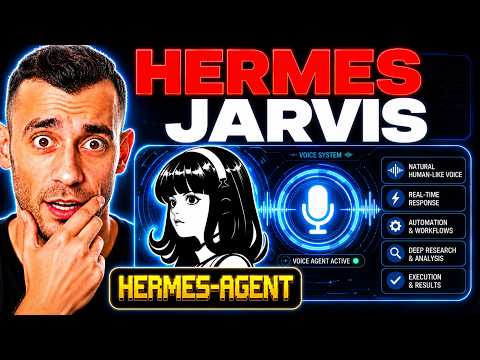
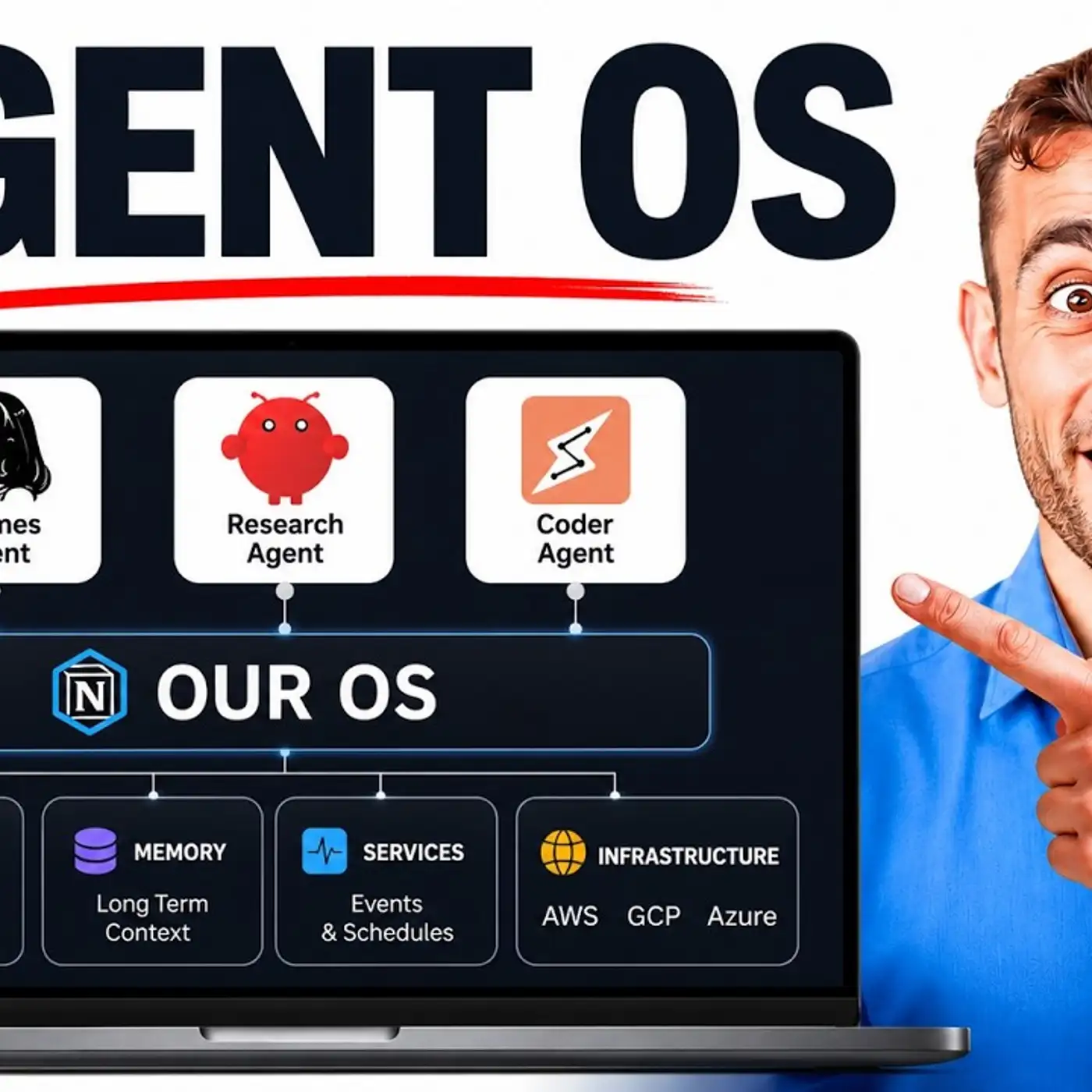
And that's basically it for the setup, right? Now, if you want a full agent operating system where you can manage your agents, you can see all the skills that have been installed, you can see the MCPs we've set up, you can have a nice little workspace for managing your Hermes agent. Plus, you got the goal mode, all your previous sessions, you can see all your skills you've installed here. We have the studio for video images and voice, we have Jarvis where you can actually speak to your AI agent, and then it can go off and do stuff.
Then we have the talk mode where you can have a conversation. And we have the chat as well with all your history as well, right? So it's really easy to manage your AI agents using this. Plus, you can plug in OpenCore and Cloud and Gemini and Antigravity and free cloud code and whatever you want.
You can do that with the agent operating system inside the AI profit boardroom. So the new skills hub itself is brilliant on its own. But the real unlock is when those skills run inside the system that already knows you. So this is connected to for example, like our memory setup, as you can see right here.
And then also what we've got here is that we have the Kanban board so we can orchestrate our teams. And then let's say for example, we set up a skill like hyper frames for generating videos, we can set up this whole section we which we have for commanding our AI agent, and then it can generate avatar videos like so, right. And that pure says what you're using for avatar. So you can see how we're using it here, right.
So we can just type in a prompt. And then we can generate avatar videos like which is pretty powerful. And then also using this setup, we can also create videos with our AI agent too, right. So that's how we do it.
And if you want the full setup on how to use this, etc, you can get it inside the AI platform, you see a fully edited avatar video like so using the video agent, pretty powerful stuff. And you can do it with this whole system, the agent operating system, we've got a full training on it inside there, you get the full zip file, the whole agent operating system ready to run, you get every prompt, the obsidian memory setup, you get coaching calls every week, where we can set up together a 30 day roadmap to get your agents live and implemented in your business and a room of 3400 operators, building and scaling with AI automation right now. So this is what it looks like you can ask questions inside the community, you can get access to the classroom, you're on the agent OS is over here. So we've got a video tutorial on how to set up we have the last update date.
So we update it daily. And then you can also see that we have the zip file on how to use it, plus new daily tutorials on all this sort of stuff. So if you want to learn what's useful, how to use Hermes, etc, then you can do it. And also we have coaching course here, we have the map where you can connect with people in your local city using AI agents.
And that's all inside the AI Profit Boardroom link in the comments description or go to the AI Profit Boardroom.com to get access as well.
More episodes